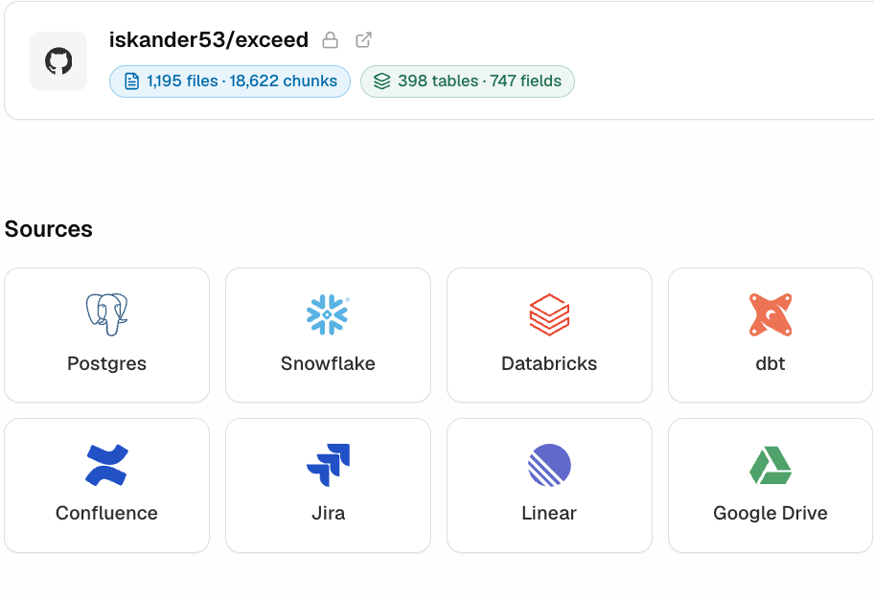
Auto-documentation
Reads your warehouse schema, git history and existing docs, and describes every table, column and synonym in the company. Nobody has to find the developer who wrote it.
Shanc documents your warehouse, keeps it current automatically, and serves that context to every agent and team.
Reads your warehouse schema, git history and existing docs, and describes every table, column and synonym in the company. Nobody has to find the developer who wrote it.
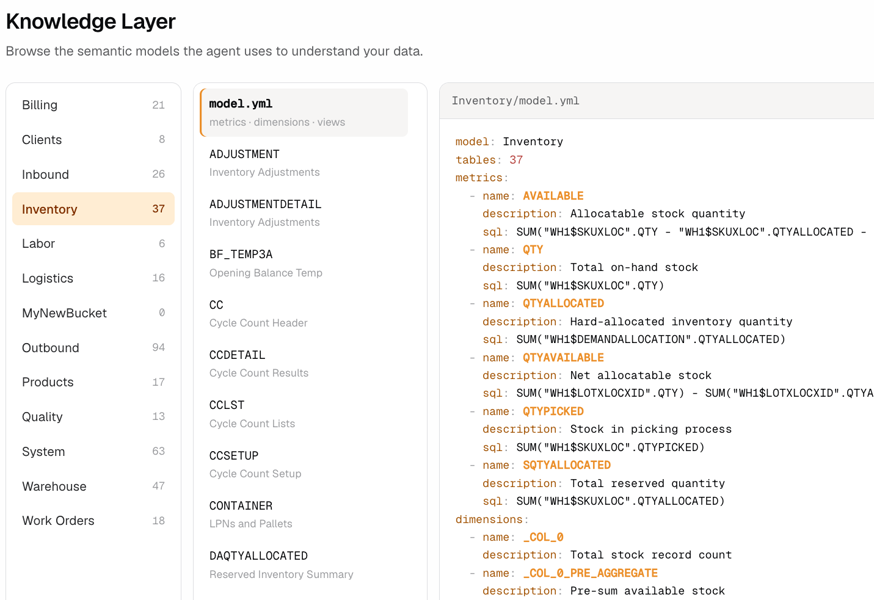
Built from your query logs. CAC, LTV, net profit, conversion — defined the way your team calculates them. Includes which filters to apply and how the tables join.
Without a layer, an agent reloads your schema and definitions into context on every question. Shanc holds that context once, so each query carries only what it needs.
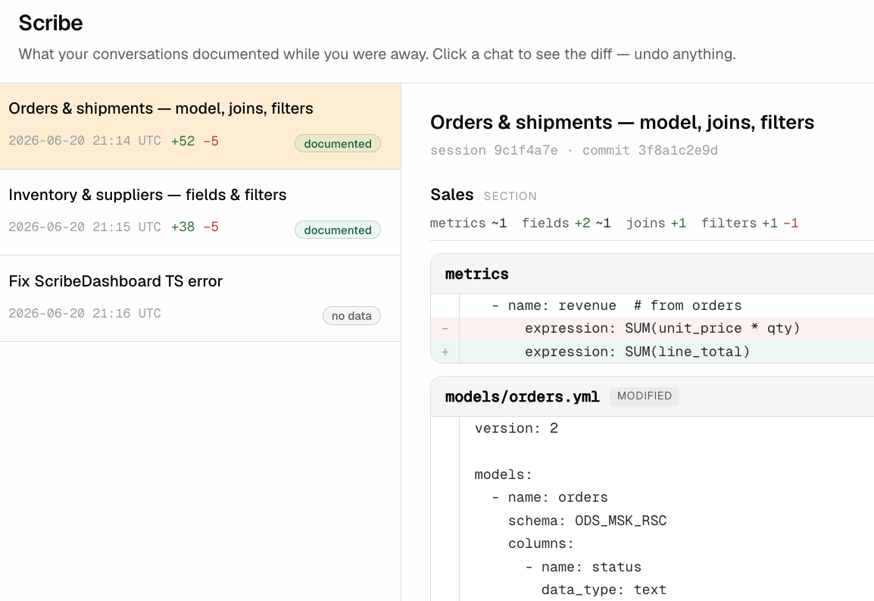
Every commit and schema change is picked up automatically. No manual maintenance, no drift between the layer and the warehouse.
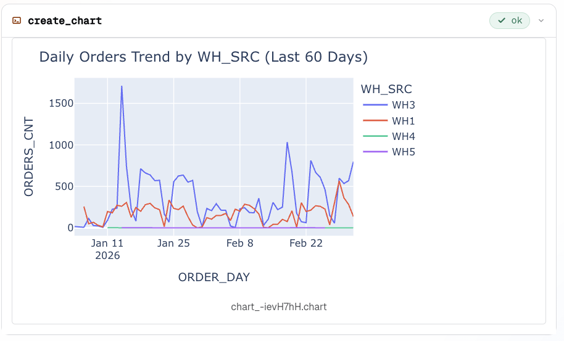
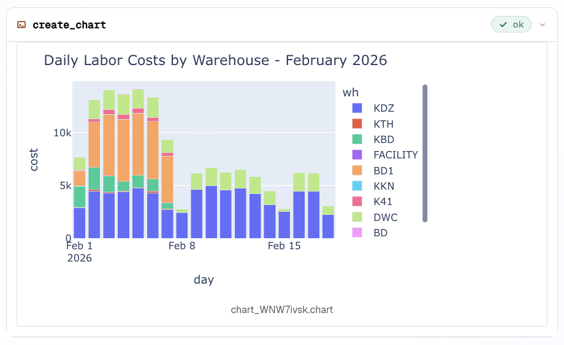
Exploration sessions are written back into the layer, so one analyst’s finding reaches everyone. Findings are marked unverified until you approve them, and the agent is told which is which.
Shanc runs as an MCP server. Connect Claude, Codex or anything that speaks the protocol. Your warehouse, dbt and BI tools stay as they are. There’s a Shanc interface if you’d rather query there.

Now Shanc builds and maintains the layer, so there’s no context to paste at the start of each session and I get 30 hours per analyst a month back

Every analyst used to brief their own agent from memory. Now Shanc turns that context into one shared layer, and AI finally scales across our whole data team

Our agents used to reload the whole schema on every query. Shanc loads the context once, so each question uses far fewer tokens and we save $30,000 per analyst a year

Business teams used to wait weeks for an answer to “why”. Now they self-serve answers they can trust, and I’m not left worrying they’ve acted on wrong numbers

Without a layer our agent got analytical questions wrong more often than right. Running them through Shanc, validated against real definitions, made it 2x more accurate

Every commit and schema change is picked up automatically. Our docs finally stay in sync with the warehouse, and nobody on my team maintains them by hand anymore
Shanc runs on your own machine or inside your cloud, alongside the warehouse it reads. Compute against your data happens where the data already lives — never on infrastructure Shanc operates, and never through a Shanc-hosted service.
SOC 2 Type I in progress. Read-only, least-privilege access to your warehouse — Shanc never requests write scope.
For teams whose data can't touch a cloud: Shanc installs entirely within your own datacentre, including air-gapped environments. No outbound connection, no dependency on any Shanc-hosted service.

Serves consistent definitions across a large, multi-source warehouse feeding several markets.

Documents a complex legacy operational schema so agents answer without an engineer in the loop.

Feeds validated context to its own agents, so answers about product data stay grounded.

Lets business teams self-serve on sales and inventory data against trusted definitions.

Standardises client and utilisation metrics across projects into one queryable layer.

Aligns booking, occupancy and revenue metrics across listings, so operations and finance read the same numbers.

Grounds analyst queries in verified metric definitions, so transaction and revenue numbers reconcile across teams.

Gives its data team one shared glossary for engagement and retention metrics across a fast-changing product.
You can, but Claude doesn't know what your data means. It doesn't know that rev_net is the revenue Finance uses, which table is canonical, or how two tables are meant to join. So it guesses, and a wrong answer is worse than no answer. The missing piece is context — what every table and metric actually means. Shanc builds that and keeps it current, so Claude reasons over facts instead of guessing.
You can build a context layer — plenty of teams do. Building it isn't the hard part; keeping it alive is. The layer is accurate the day you finish it and starts drifting the next time a developer ships a schema change. Maintaining it by hand becomes a standing job: someone tracks every commit, updates definitions, re-checks joins. That's the cost Shanc removes. It reads your git history and query logs and updates the layer on its own, so you get what you'd build yourself, without the person whose whole job is keeping it from going stale.
An LLM is only as good as the context it's given, and on its own it has none of yours. Ask it about your data and it fills the gaps with plausible guesses — the more fluent it sounds, the easier those guesses are to miss. More prompting doesn't fix it; it produces more confident wrong answers. Shanc gives the model a factual layer to reason over, so it works from your real definitions instead of inventing them. Same model, roughly twice the accuracy on analytical tasks.
A skill is a set of instructions you write for an agent. It's static, it isn't grounded in your actual schema, and it goes out of date the moment your data changes — so the agent follows the instruction confidently and still returns the wrong number. Shanc isn't instructions about your data, it's a structured layer built from your data: real tables, real definitions, real query logs, validated before anything runs and updated as the data moves.
Most tools here either replace your stack or still need a person to maintain them. BI platforms ask you to move your analytics into their interface. Warehouse-native layers get curated by hand. The ones that auto-generate a layer mostly build it once and leave you to keep it current. Shanc sits under the stack you already have, maintains the layer itself from your commits and query logs, and serves it to whatever agent you already use over MCP. Nothing to migrate, nobody assigned to keep it alive.
Ask about your own data and get answers grounded in your real definitions — the way your agents will.